Hand Drawn
CLIPPING PATH
SERVICE
Get the most out of clipping paths from our experts. Make your valuable products beautiful and take your business to the next level.
experience
Price Starts From
Get Big Discount
We Can Deliver
Comprehensive QA
HAND-DRAWN PROFESSIONAL & CLIPPING PATH SERVICE PROVIDER
We provide top notch service. We do the work according to your needs. We provide 6 services according to the type of product. We work on these 6 clipping paths in different ways. They are given below.
Basic Clipping Path
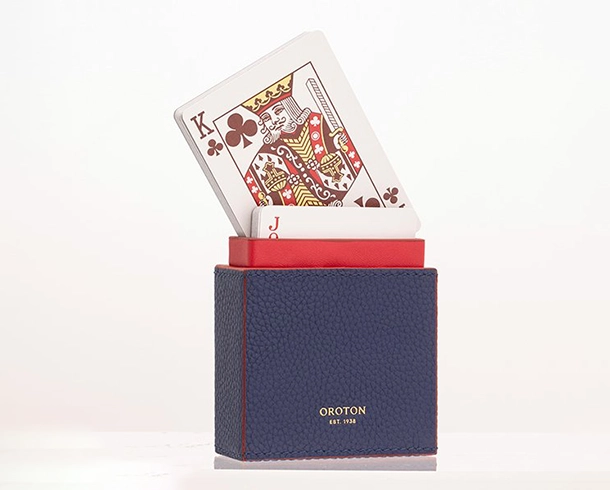
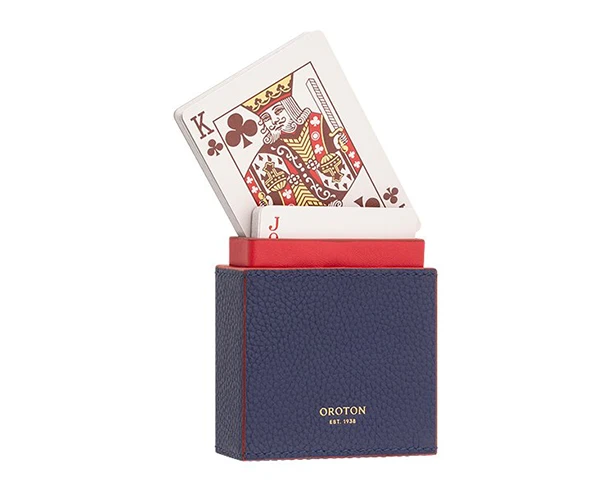
Basic clipping path usually means that the product itself does not have any inside, the products will be long, square, triangular, round, and so on. What comes under this product category is bottle, mobile, egg, ball, TV, monitor, book, and whatever is mentioned.
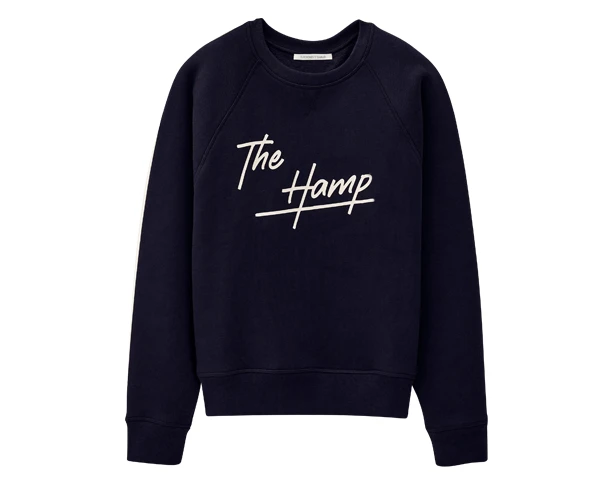
E-Commerce Editing Clipping Path
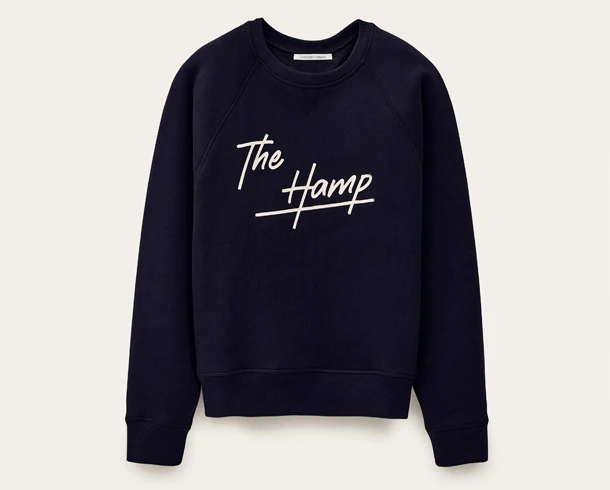
We offer high-quality Clipping path services to make your product photos clean, eye-catching, and ready for online stores like Amazon, eBay, Shopify, and more. Specialize in professional clipping path, creation for online product imagery—boxes, bottles, cans, cups—with fast turnaround.
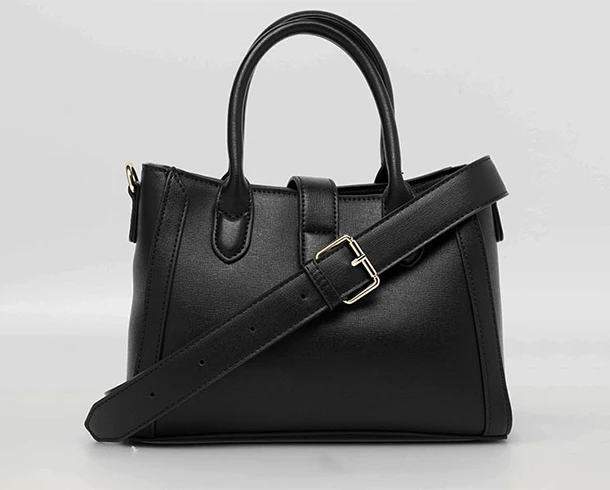
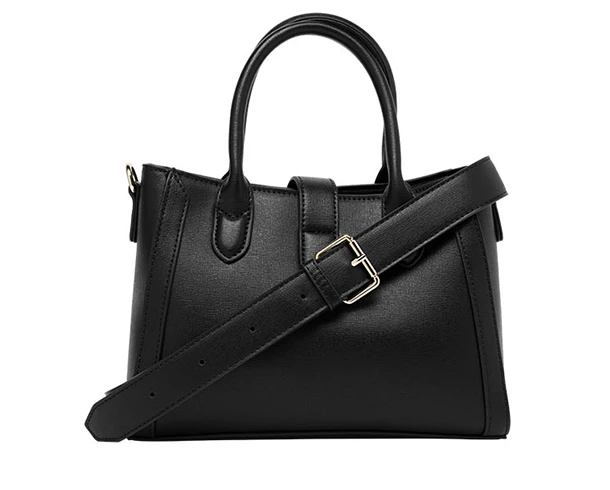
Simple Clipping Path
Basic and simple clipping paths are very similar in shape such as round, triangle, square, but the most notable difference between them is the presence of inside. In this simple clipping path, clothes, T-shirts, pants, shirts, watches, rings with insides, etc.
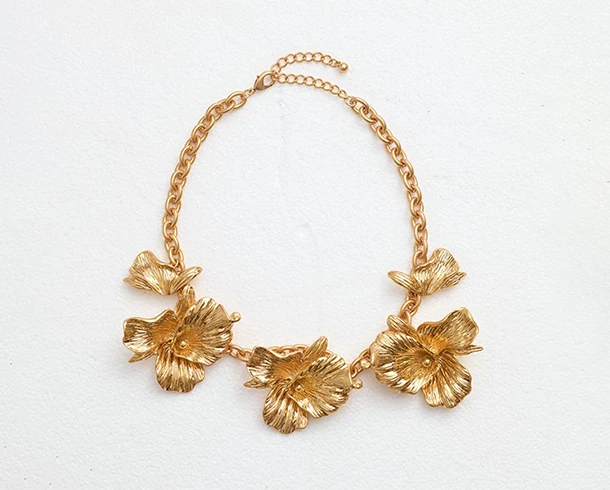
Medium Clipping Path
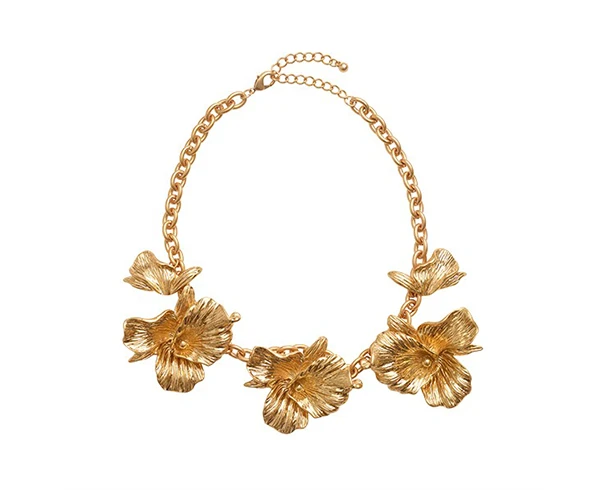
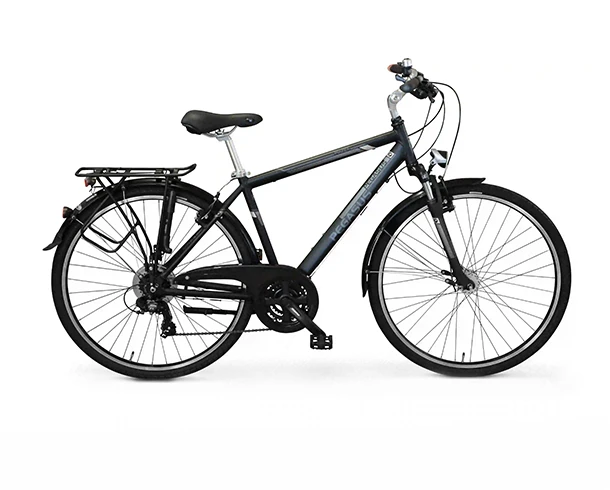
This medium clipping path will have multiple products linked together like the image shown in the example, which could be a dress, multiple ecommerce products. This medium path service has multiple anchors for the shape of the product. The products can be like from bracelets, shoes, watches, knick-knack, Engine metal parts. Come under this category.
Complex Clipping Path
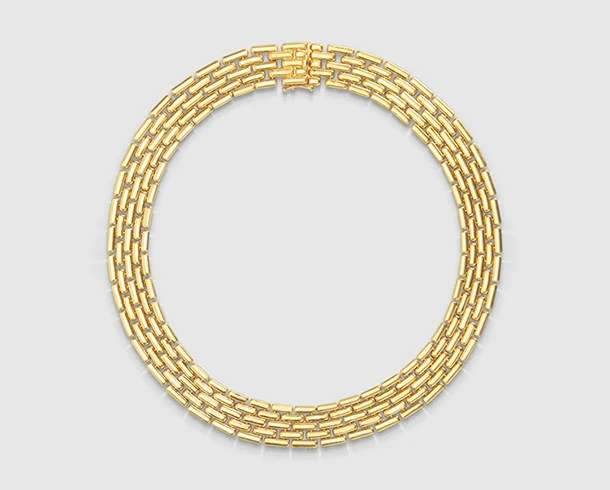
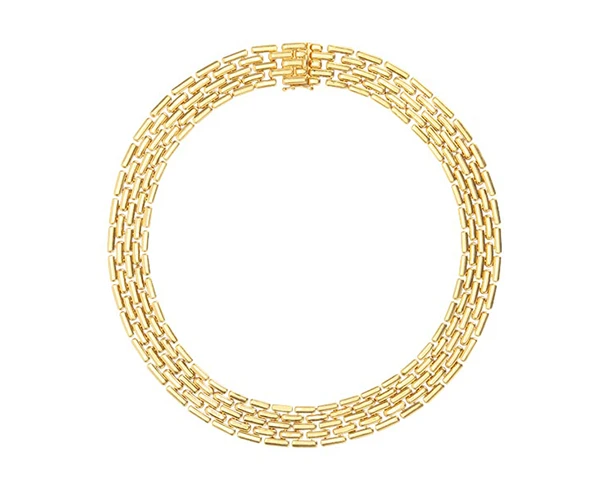
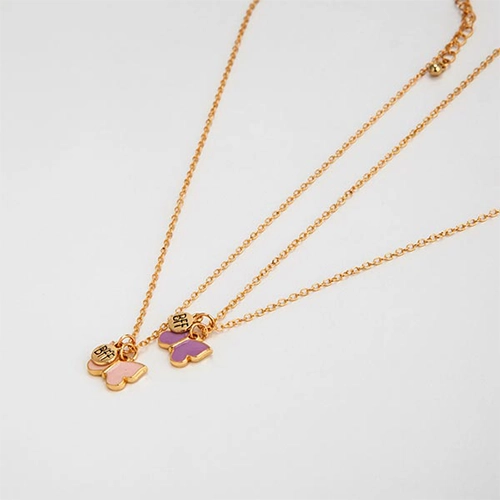
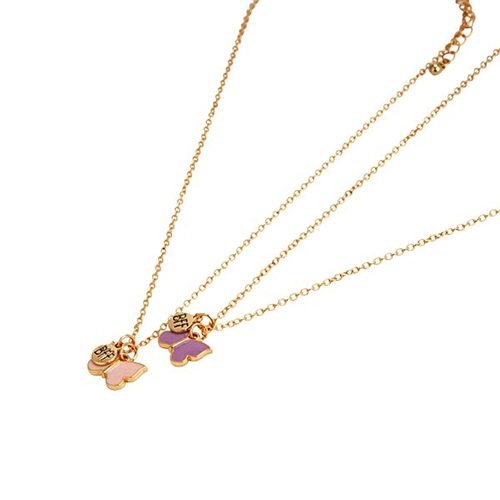
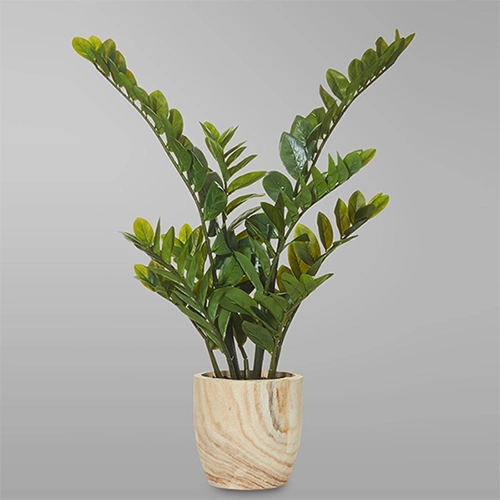
Complex clipping path products are named for their complex shapes and designs. A complex product will have multiple holes (Over 10) and multiple paths. The paths will be very close to each other. These products are necklaces, chains, nets, furs, dolls, trees, buildings, etc.
Super Complex Clipping Path
Clip Your Image Not Your Brand! Use Our Premium Clipping Path Service
What Is Photoshop Clipping Path?
A clipping path is a way of cutting out the background of 2D images using the pen tool in image editing software. After it’s done, everything outside the path is taken out, leaving the main focus subject untouched. The direction of the path determines what’s inside and outside of it. Inclusive paths include what’s inside the path, while exclusive paths include what’s outside the path. If the path doesn’t intersect with itself, it’s considered inclusive. Depending on how the editor works, you can apply the clipping path in a hard or soft way.
A compound path is made up of two paths, one that’s inclusive and one that’s exclusive, plus some Boolean operations that tell you what to include in the combined path. Clipping paths are used to cut out things that aren’t rendered because they’re out of the way or hidden by something like a HUD.
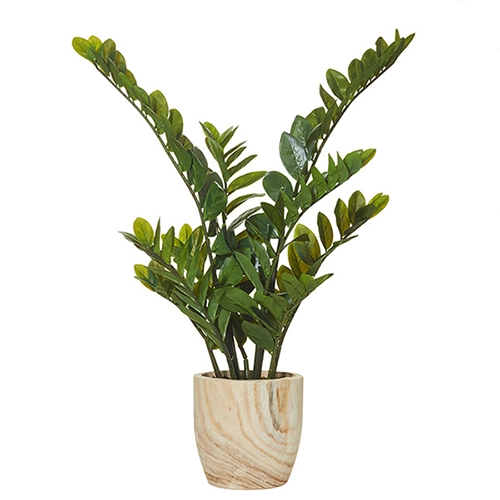
Our Process Of Clipping Path Service
Clipping Path Service Samples
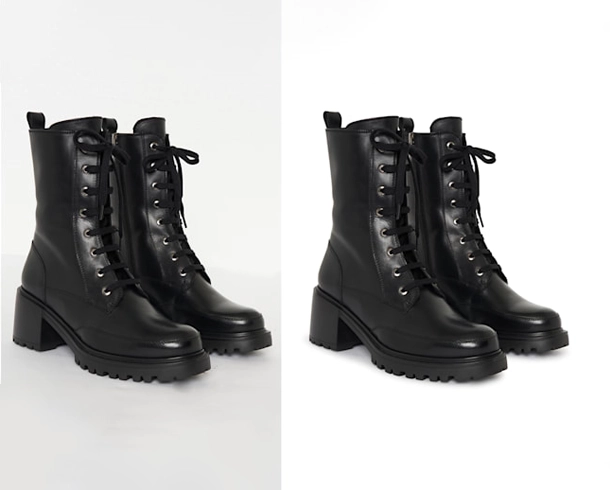
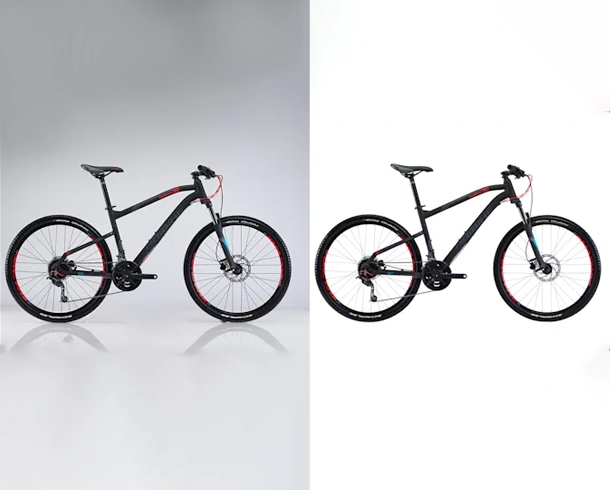
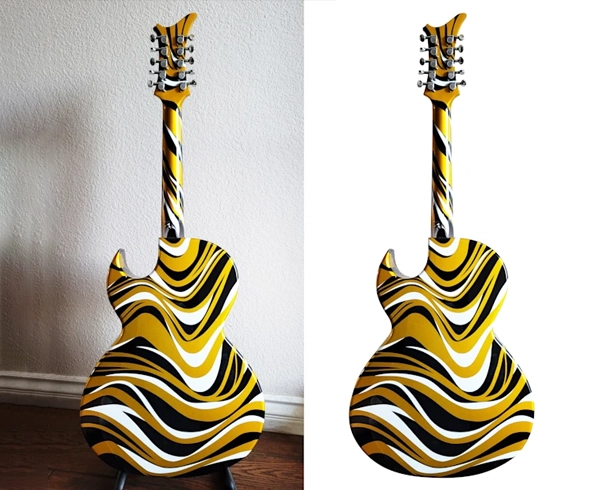
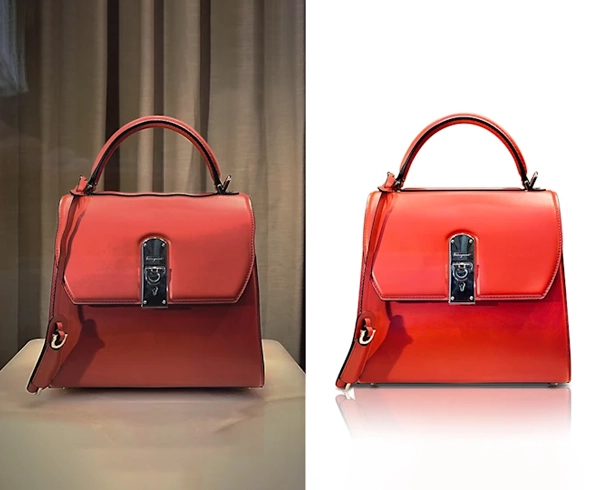
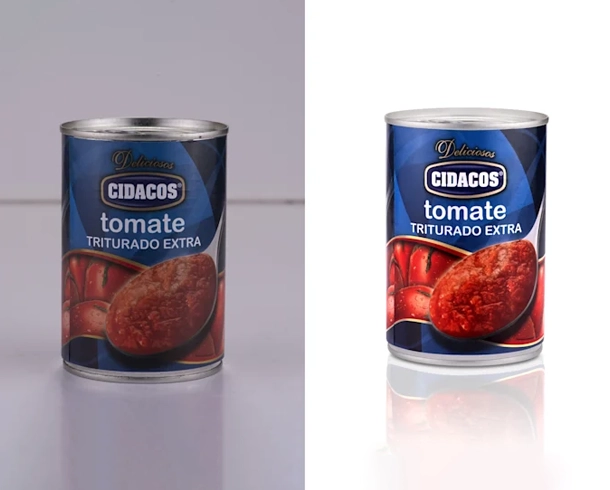
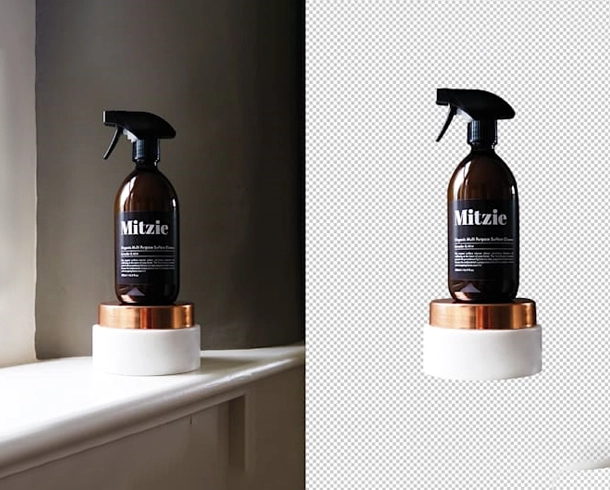
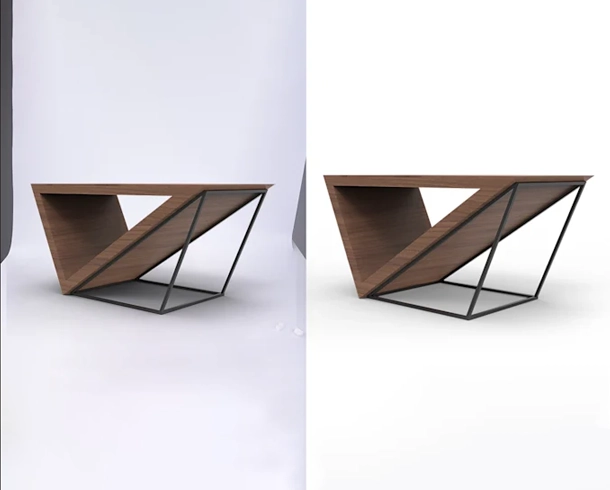
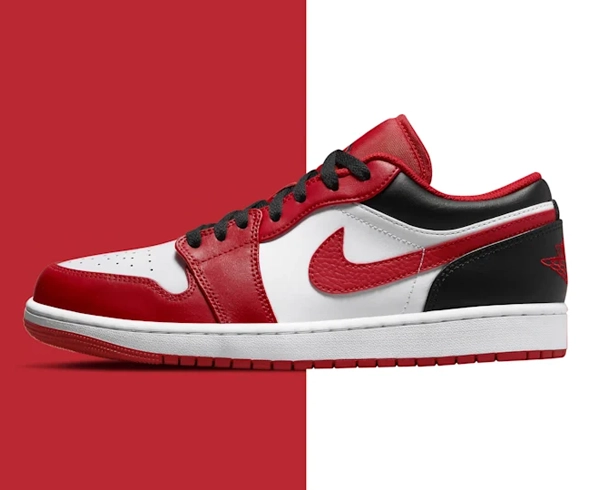
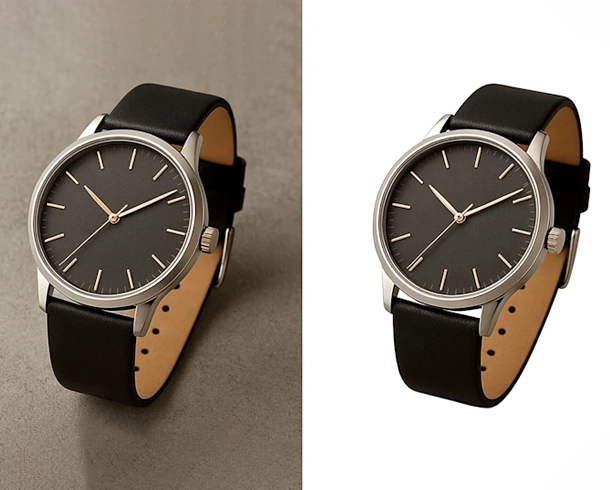
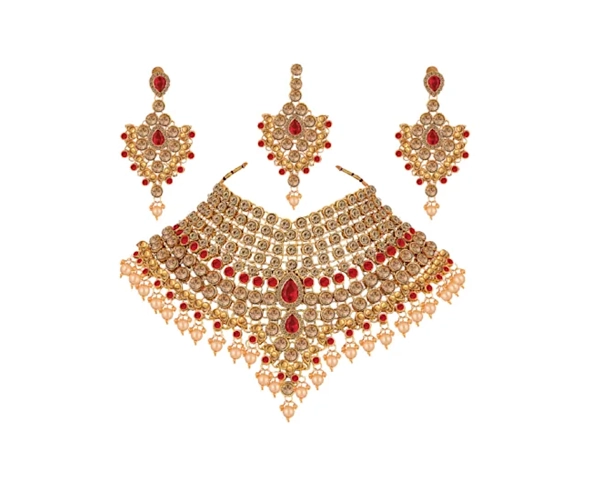
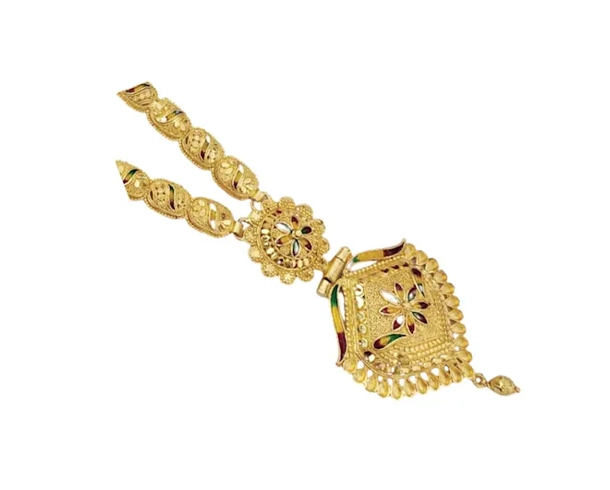
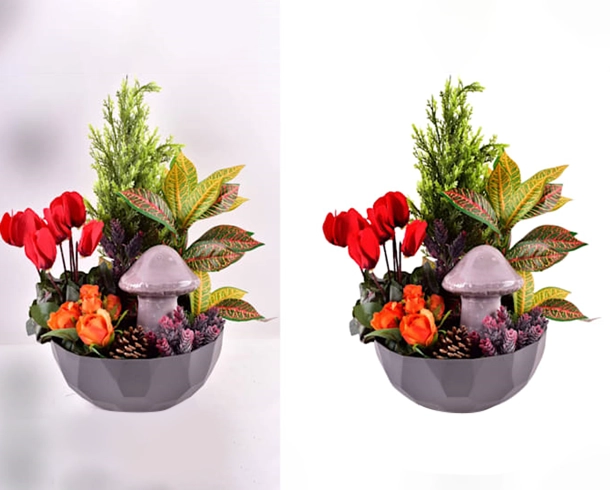
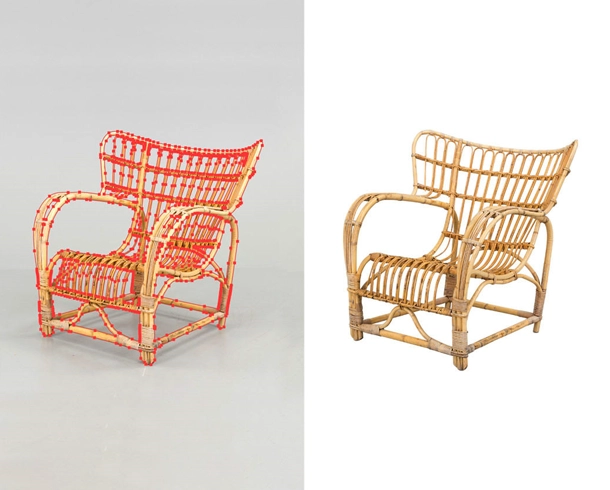
Grow Your Business With Clipping Path Service
The clipping path service is a widely used technique in e-commerce product photography, which allows for the precise separation of the subject from the background of an image. By utilizing this technique, businesses can create clean and professional product images that are visually appealing and attract potential customers. Clipping paths offer a range of advantages.
Such as the ability to remove the background from a product image, which creates a neat and professional appearance, and the ability to customize the background, which allows for a consistent and unified visual identity across the product images. The use of clipping paths in e-commerce photography can lead to improved presentation and effectiveness, resulting in higher sales and increased customer engagement.
Need Accurate Pricing? Send Us a Quote Request
We Usually Reply Within 30 Minutes
Please Fill up the Required ( * ) Fields to Submit the Form Properly.
These are perfect and exactly what I was looking for. Thank you so much!!! As always, a job well done and executed with excellence!!!”
How to Cutout an Image Applying
Clipping Path
There are multiple ways available to remove background from images. But we basically make use of clipping path and image masking leveraging the deft touch of our background removal professionals. Let’s introduce with some methods we follow-
Using Hand-Drawing Photoshop Pen tool
We offer professional clipping path and background removal services, specializing in precise manual cutouts using Photoshop’s Pen Tool. Our expert editors handle images with hard and smooth edges—like mannequins, chairs, tables, electronics, and more—delivering high-quality results for eCommerce, catalogs, and marketing materials.
Every project is categorized by complexity to ensure accurate, clean edits, whether simple or intricate. Our photo editing services help businesses enhance product presentation, remove distractions, and create a polished, professional look that boosts online sales and brand image.
With fast turnaround, affordable pricing, and attention to detail, we’re a trusted choice for photographers, online retailers, and creative agencies worldwide. Trust us to deliver pixel-perfect images that make your products stand out.
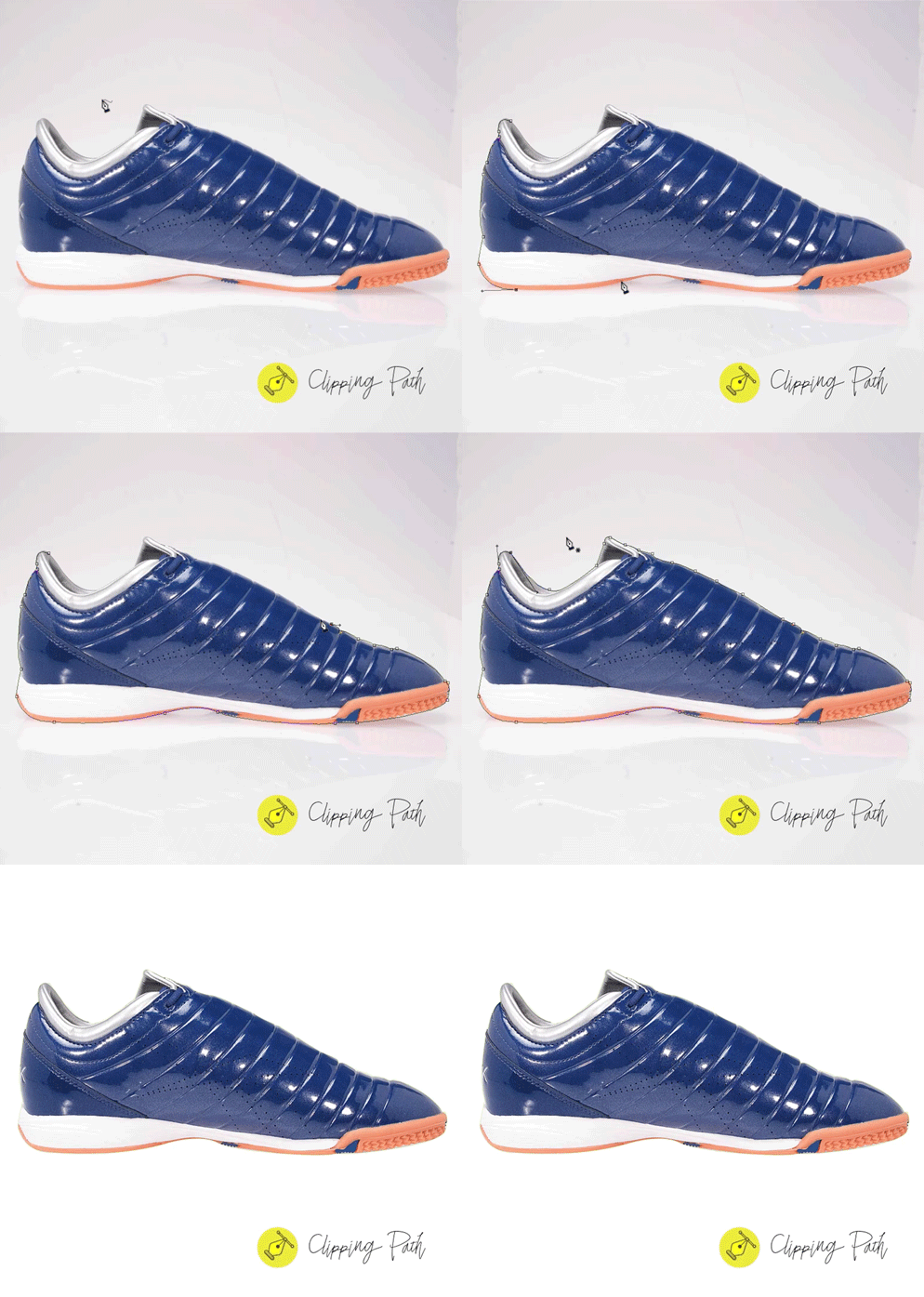
Apply Path Around 2 Pixels Inside from Product Edge
When clipping path isn’t sufficient for complex edges, our image masking service provides the perfect solution. We handle subjects with soft, rough, or intricate edges—like hair, fur, and transparent objects—using a Wacom pen tablet for hand-drawn precision. For hard edges, we use the Pen Tool in Photoshop to ensure sharp cutouts.
Depending on the image, we apply techniques such as layer masking, alpha channel masking, hair masking, transparent masking, refine edge masking, and color masking. Our professional background removal ensures high-quality, detailed results for eCommerce, fashion, product photos, and more.
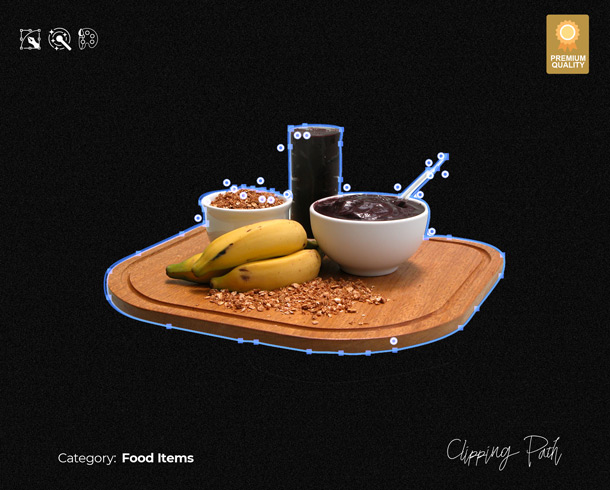
IMAGE CLIPPING PATH
COMPLEXITIES AND PRICES
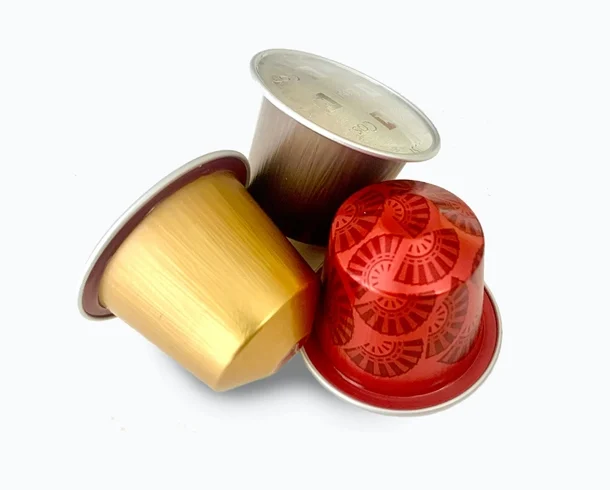
Basic Clipping Path
0.39$
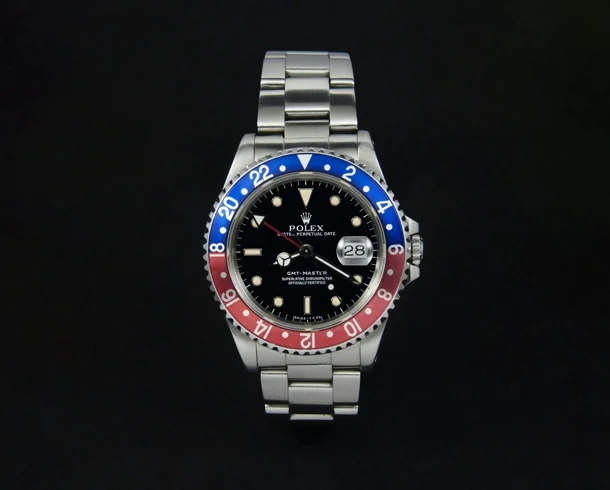
Simple Clipping Path
0.59$
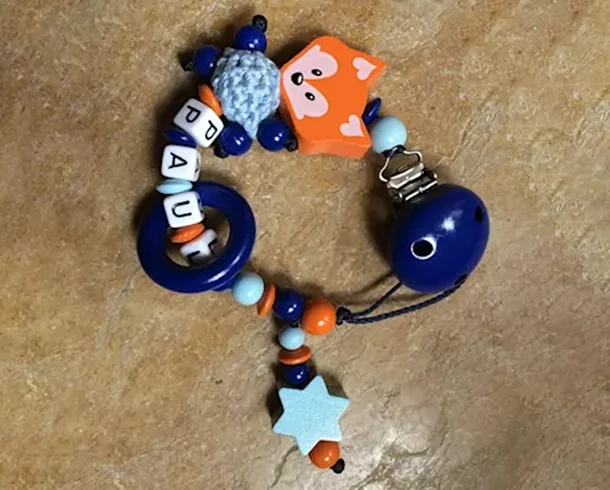
Compound Clipping Path
2.49$
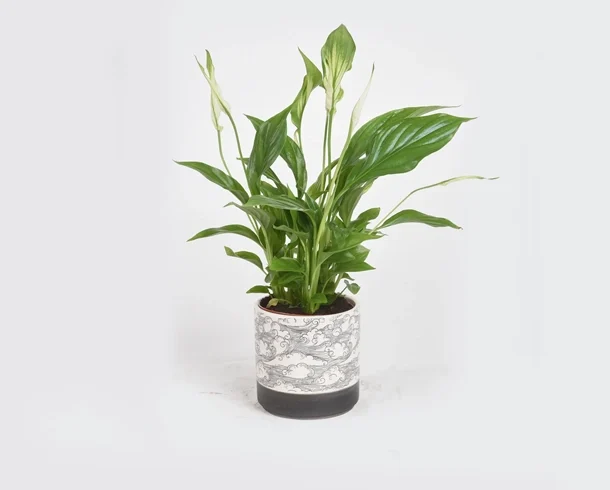
Extra-compound Clipping Path
3.49$
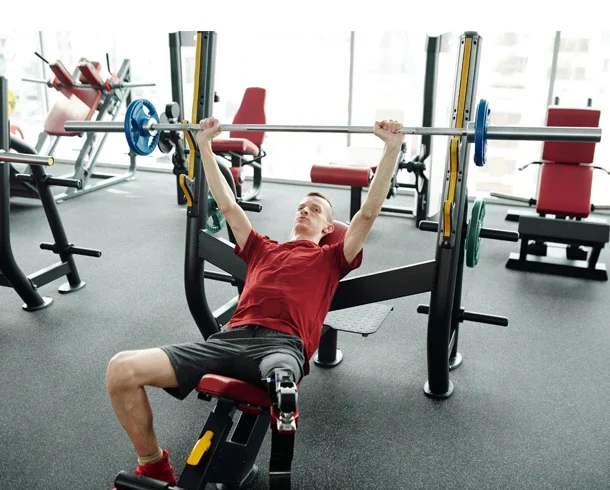
Complex Clipping Path
4.99$
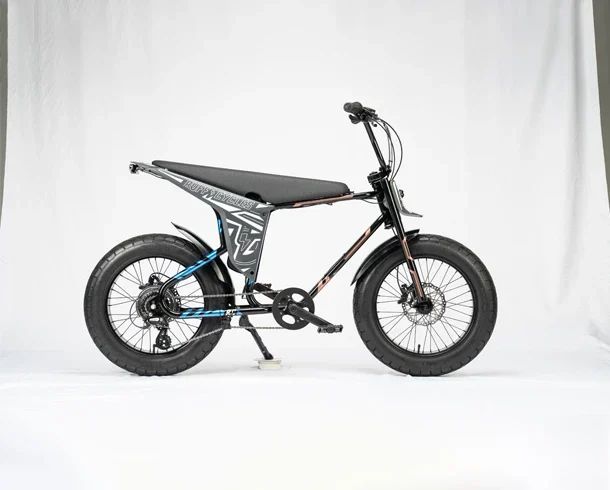
Extra-complex Clipping Path
8.49$
We’re result driven. Be with us for eCommerce success.
We’re specialists, not generalists. Whether you need simple Clipping Path, Shadow Creation, Background Removal, or more complex services like Ghost Mannequin, Color Correction, and Photo Retouching, we provide all the solutions you need. We ensure your product photos attract more customers and drive sales.
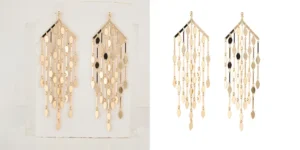
Clipping Path Services
Our hand-drawn clipping paths ensure crisp, clean outlines and professional results for background swaps, print previews, layout designs, and any editing platform.

Background Removal
Our expert background removal delivers pixel-perfect cut-outs and clean transparency, isolating products with precision for flawless eCommerce and catalog-ready images.

E-Commerce Product Editing
In eCommerce, powerful product images build trust, attract customers, and turn clicks into sales—because great visuals drive successful online business.

Photo Retouching
We enhance product photos with advanced retouching—smooth textures, refined edges, dust removal, highlight control, and flawless detailing for premium-quality visuals.
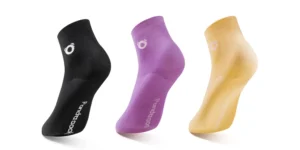
Color Correction
We deliver life-like color correction by perfecting tone, hue, white balance, highlights, and shadows—restoring vibrant, consistent colors that match your brand aesthetic.
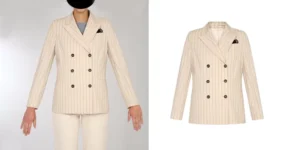
Ghost Mannequin
Our ghost mannequin service combines precise alignment and natural blending to create clean, distraction-free 3D product shapes—perfect for authentic apparel presentation.
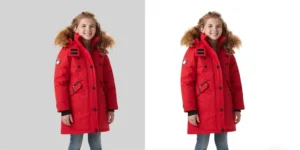
Image Masking
Our expert image masking service handles complex edges like hair, fur, and transparent objects, delivering clean, high-quality eCommerce-ready images.
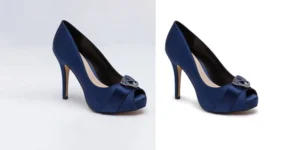
Shadow Creation
We create natural, realistic shadows—reflective, drop, cast, and touch-up—ensuring accurate perspective and depth for eCommerce, catalog, and lifestyle photos.
FREQUENTLY ASKED QUESTIONS (FAQ)
What is a clipping path and how does it benefit my images?
Clipping paths are a technique used in Photoshop that removes the background from an image, isolating the subject. This helps create clean, professional visuals, making them perfect for product photography, e-commerce, and graphic design, where a clean background is required.
How do I submit my images for the clipping path service?
You can submit your images via email, cloud storage link, or any file-sharing platform. Simply share the images you want to edit and specify any specific requirements (such as a transparent background or specific areas to focus on).
What types of images do you work with?
We work with a wide range of images, including product images, jewelry, fashion, real estate, and more. Whether it’s a simple or complex design, our team can handle any level of detail required for your clipping path.
How much does the clipping path service cost?
Pricing depends on the complexity of the image, the number of objects, and the details required. We offer competitive rates and can provide a quote after reviewing the images and your specific needs.
How long does it take to complete the clipping path?
Depending on the volume and complexity of the work, turnaround times are typically between 24 and 48 hours. We also offer express service if you need your images urgently!